


Welcome to Unknown Arts — I’m Patrick, your field guide to tech’s creative frontier. Join thousands of builders around the world navigating what’s next.
For a long time, coding your own portfolio site as a product designer made sense in theory but not in practice. Yes, owning a custom codebase gave you full control. But it also meant doing a bunch of work outside the core competencies of the job just to pitch yourself. For most designers, the tradeoff just wasn’t worth it.
That calculation is different now.
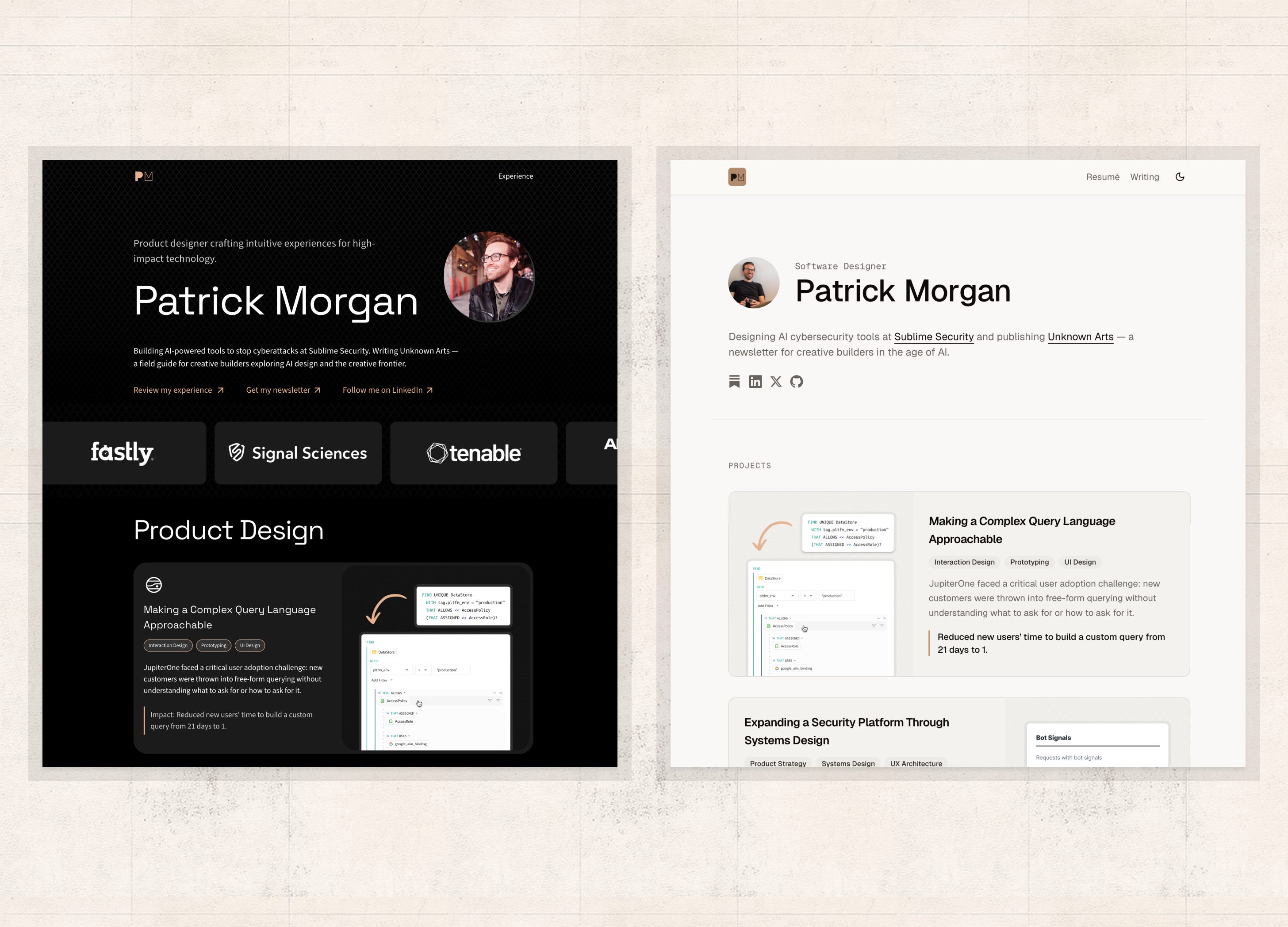
I’d been on Framer for a couple years and while it did the job, I knew I was overdue for a change as AI development tools matured. I kept putting it off because a full rebuild always felt like too much to take on. But when my Framer subscription came up for renewal last month, I finally had my motivation. A weekend later, I had a working custom site I fully own. The site was the least interesting part.
In this piece I’ll walk through the prep work that made building a custom site more approachable, the stack I chose and why, how I set up Claude, what my weekend build sprint looked like, and what the ongoing workflow looks like now.
The scope constraint
The first thing that made this project possible in a weekend: very tight scoping.
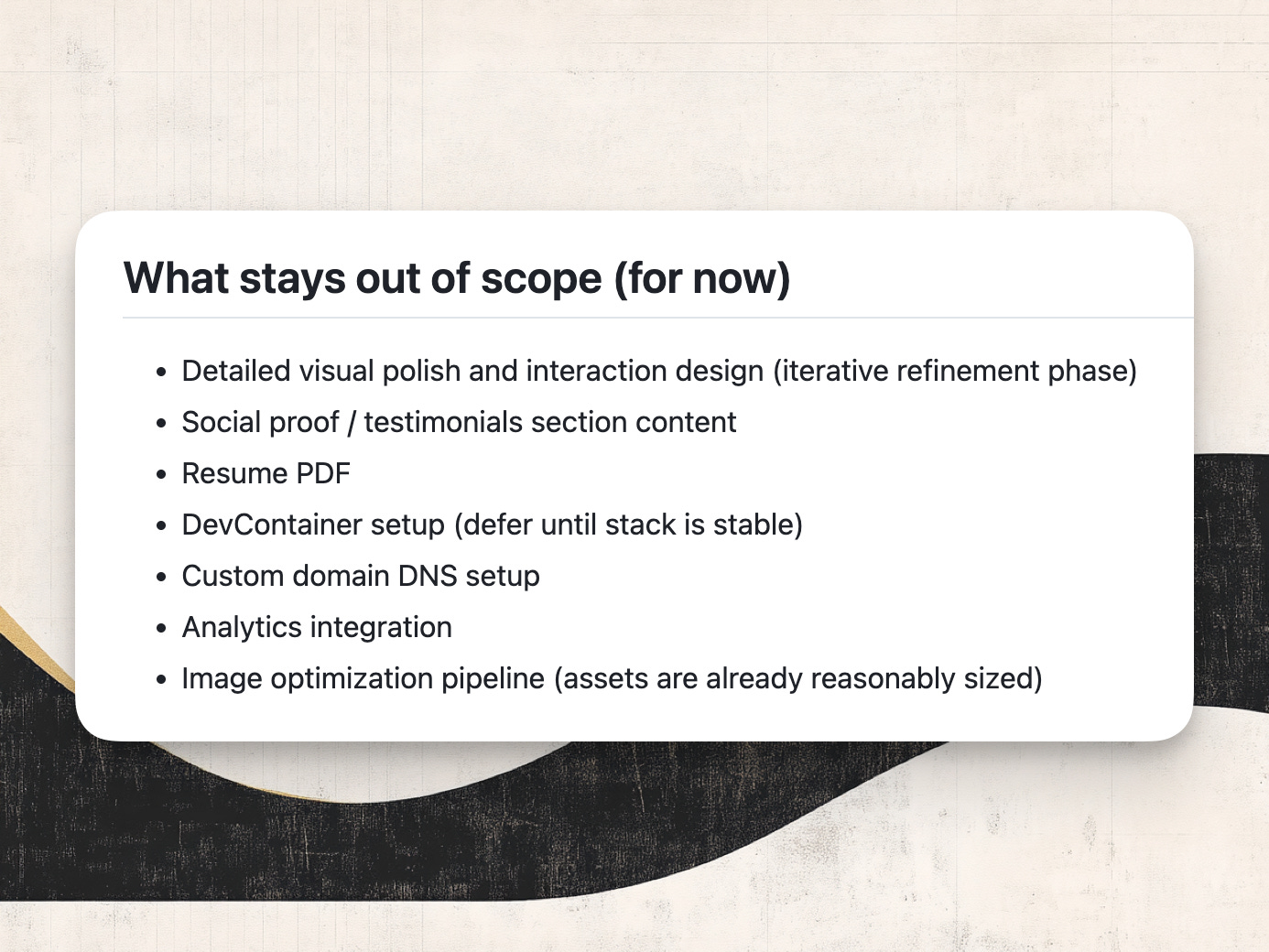
No new case studies, content rewrites, or layout redesigns. The rule was to match what exists, get it live, then iterate. Every time I caught myself thinking “well, while I’m at it I could also...” I shut it down. Instead I saved the idea in a file I could come back to later once the foundation was in place. Things like detailed visual polish, analytics, custom domain setup, and image optimization all got parked deliberately. Writing them down made it easier to not get pulled in and it set me up to figure out the agentic dev workflow I’ll outline later in this piece.
A rebuild often feels like an opportunity to finally fix every possible thing. But if your goal is like mine — to get your existing content into a foundation you can keep building on — resist that temptation.
The stack decision
With the scope in mind, I needed to make some decisions about my stack.
I came into this with a general direction in mind: something markdown-first, deployable to GitHub Pages, with a strong community behind it. I had Astro on my radar and was weighing it against Gatsby. I shared my thinking with Claude early on and it helped me validate and sharpen the choices.
Here’s what I landed on and why.
Astro v5 was the clear fit for a content-heavy portfolio. It ships zero JavaScript by default, its Content Collections give you validated frontmatter schemas so the build fails if your markdown metadata is malformed — especially important when an agent is writing a lot of the code — and .astro syntax is close enough to HTML that it’s easy for me to work on with Claude. I also wanted room to push into React territory without making the whole site a React app. Astro lets you do that.
Tailwind CSS v4 + shadcn/ui handled styling and components. shadcn gives you pre-built accessible components you theme to your own tokens. Combined with Tailwind, I could reduce the number of design decisions I needed to make upfront — I picked a base style, customized the color tokens, and let the system do the rest.
Geist Sans + Geist Mono from Vercel for typography. Clean and precise, designer-y out of the box. I later added Geist Pixel for an animation on the homepage hero.
GitHub Pages for hosting. Free, native to where the code already lives, with an official Astro deploy action that just works.
The underlying principle across all of these: pick well-known tools with large communities and a lot of AI training data behind them. Claude knows Astro, React, Tailwind, and shadcn extremely well. That means fewer dead ends during the build and a much deeper bench to draw from as you keep adding features after launch.
Mise-en-place for agents
Since this was less of a redesign and more of a rebuild, I wasn’t starting with a blank canvas: I had an existing site, existing content, and a pretty clear picture of what I wanted. (If you want the backstory on the Framer site and how I’d structured it, I wrote about that last year.)
So before I sent Claude a single prompt, I spent significant time prepping assets I thought the agent would need to get the job done well, quickly. Think of it like mise-en-place in a great kitchen — the chef’s practice of having everything prepped and staged before the heat goes on. The cooking is fast and meets standards because the prep is thorough.
Here’s what I assembled:
Screenshots of the existing Framer site — so Claude could see what “match this” meant visually, not just in words
A design brief — my own doc of requirements, tech ideas, and inspiration. Honestly kind of rambly, but specific enough to do the job.
The project markdown files — already written, just needing some frontmatter cleanup before migrating
Page templates — outlines for different project types (professional case study vs. experiment)
Image assets from Figma — clean source files for the new environment
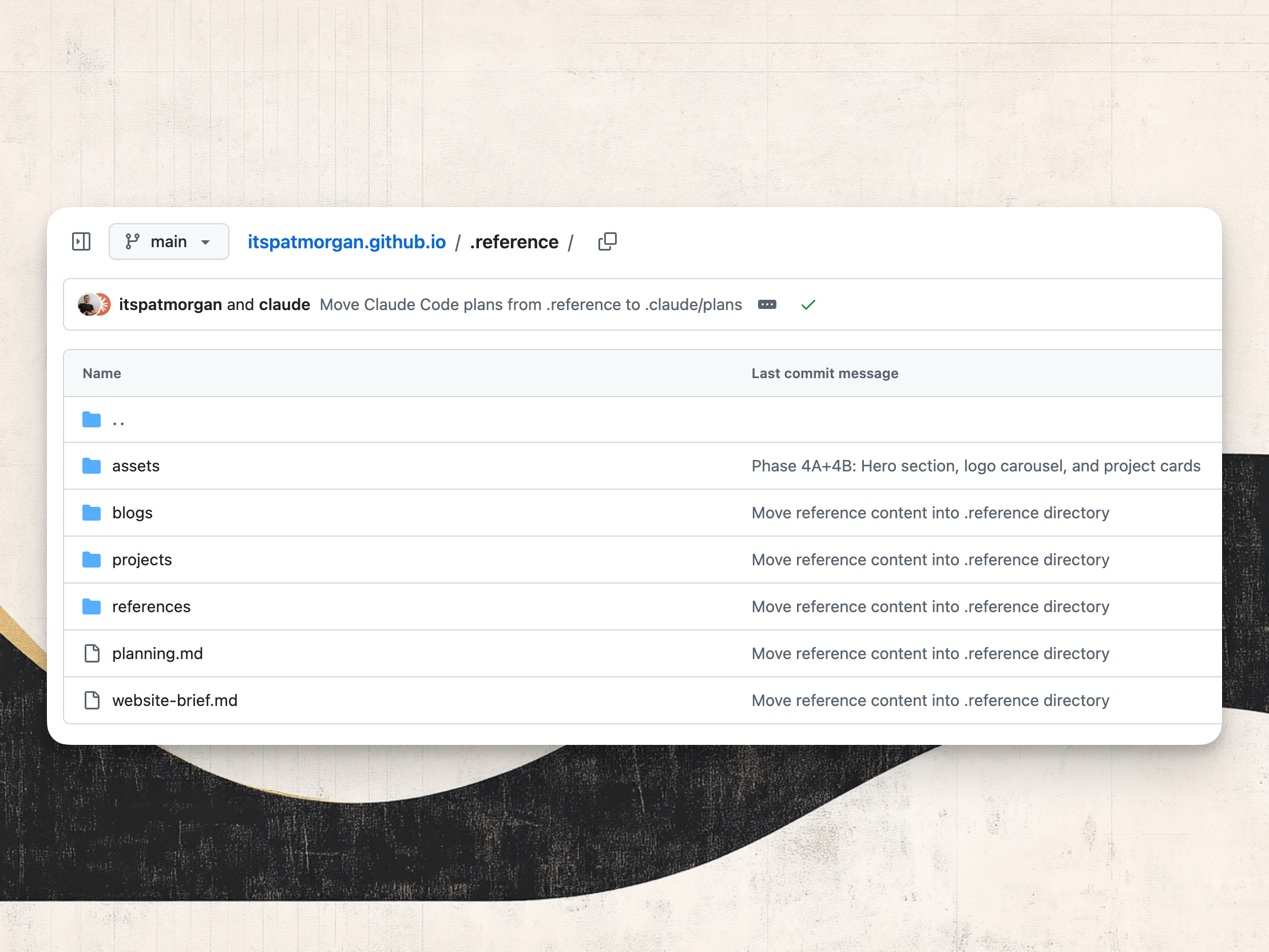
All of this lives in a directory in my repo if you want to browse it. It’s not necessary for building the site anymore, but I’m preserving it as context to share with you!
This most important thing to remember in this phase: curation is the skill, not prompting. The quality of what Claude produced for me was directly proportional to the quality and specificity of what I staged for it. You can’t shortcut the prep and expect the build to go smoothly.
Before the build
Before writing a single line of code, I also needed to start assembling more detailed instructions for Claude. It needed to have a concrete plan for the build itself as well as a way to understand the project and design decisions that should persist across sessions.
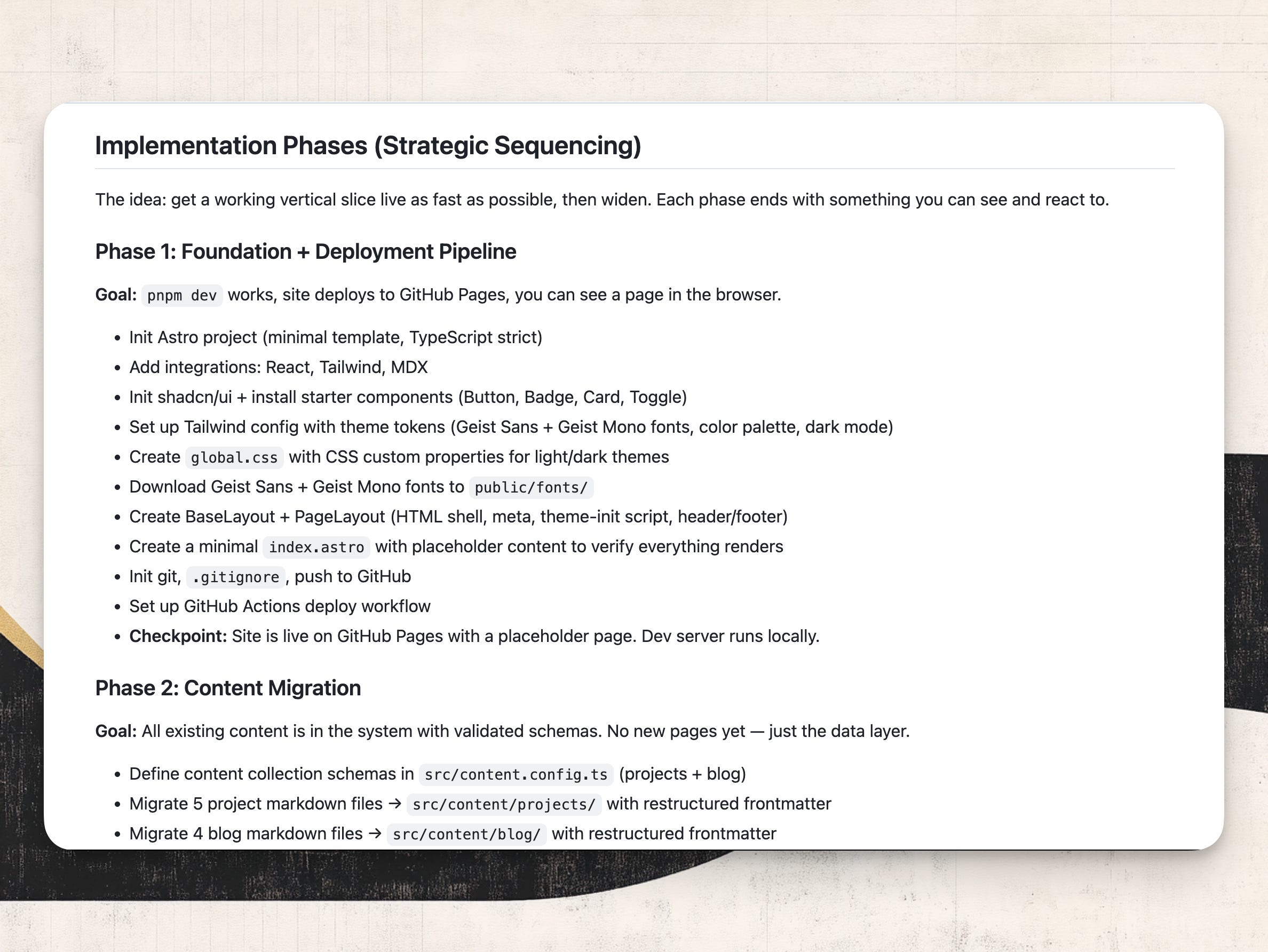
I worked with Claude to produce a full scaffold plan before writing a line of code. This included a tech decision table, an annotated project file tree, content architecture with schema definitions for both collections, six implementation phases each ending with a concrete checkpoint, and an explicit out-of-scope list. The plan’s phased approach was particularly valuable. The strategy: get a slice of the site working as fast as possible, then expand.
I also made sure to set up a starter CLAUDE.md — a plain text file at the root of your repo that Claude reads at the start of every session. Mine started lean: project overview, the stack, a few early preferences. The important thing was just to establish the file early so I had somewhere to write down conventions as I discovered them. As decisions got made during the build — naming conventions, component patterns, things I didn’t want Claude to touch — they went into the CLAUDE.md or a linked agent rules file. By the end of the weekend it reflected real decisions from the real build. You can see where it landed here.
The focused weekend project
After all of that, the moment of truth arrived. Could I get enough done in a weekend to set this site as my new default home on the web?
My biggest concern going in was getting mired in environment configs. Historically that’s always been a pain even when I was working as a developer full time. You’re configuring systems that each have their own quirks, things you only set up once, and when something breaks you’re stuck reading error logs trying to track down the one thing that was off. That kind of friction kills momentum but this time it basically disappeared. Any time I got stuck, I’d ask Claude to investigate, and we’d work through it together in minutes rather than hours.
With the plan in hand, here’s what actually shipped.
Phase 1 got the foundation working: dev server running, GitHub Actions deploy wired up, a placeholder page on GitHub Pages. Nothing to look at yet, but the pipeline worked. Very simply: can I see something in the browser and does it deploy?
Phase 2 was content migration. All project markdown files restructured with proper frontmatter, four articles moved over, 37 image assets reorganized from a flat pile into a structured public/images/ directory. At the end of this phase, the build succeeded with everything schema-validated. Still nothing to look at, but the basic data and assets were solid.
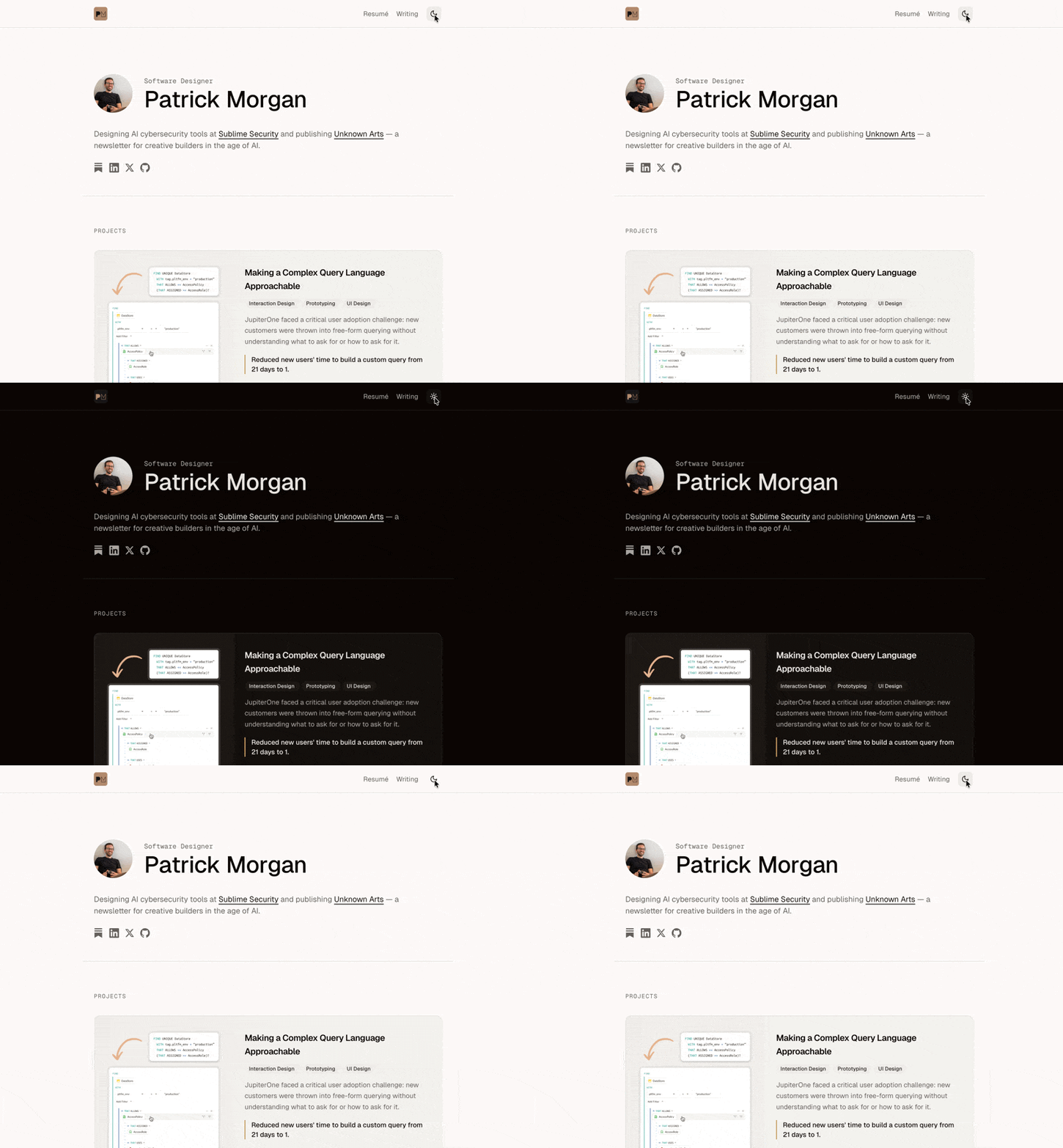
Phase 3 was the one that felt like real progress — one complete project page with real content, fully styled. This is where the visual language got established: spacing, typography, card styles, color usage, dark mode behavior. Everything else followed from this.
Phases 4 and 5 focused on the home page and remaining pages. By this point the basic patterns were set and the work moved faster.
My role throughout this process was to review what Claude produced, enforce patterns, and make aesthetic decisions when something looked off. While Claude is excellent at building, it will drift from your system if you don’t pay attention — reaching for a bespoke component when your library already has the right piece, or creating a new raw SVG when you already have an icon library specified. Catching those moments and refocusing the work is now an essential part of the job. Solid agent rules help, but the need to steer never goes away entirely.
I also made a habit of doing periodic cleanup passes with Claude. Fast iteration accumulates loose ends in the code, so every few sessions I’d ask Claude to sweep the codebase and flag anything that had drifted. It’s a small site so there wasn’t anything too major, but building this routine into my rhythm made sure the foundation stayed clean.
By the end of the weekend, I had a site that felt good enough to enable as my new default. It was far from perfect, but it was a solid foundation I felt confident about building on for the foreseeable future.
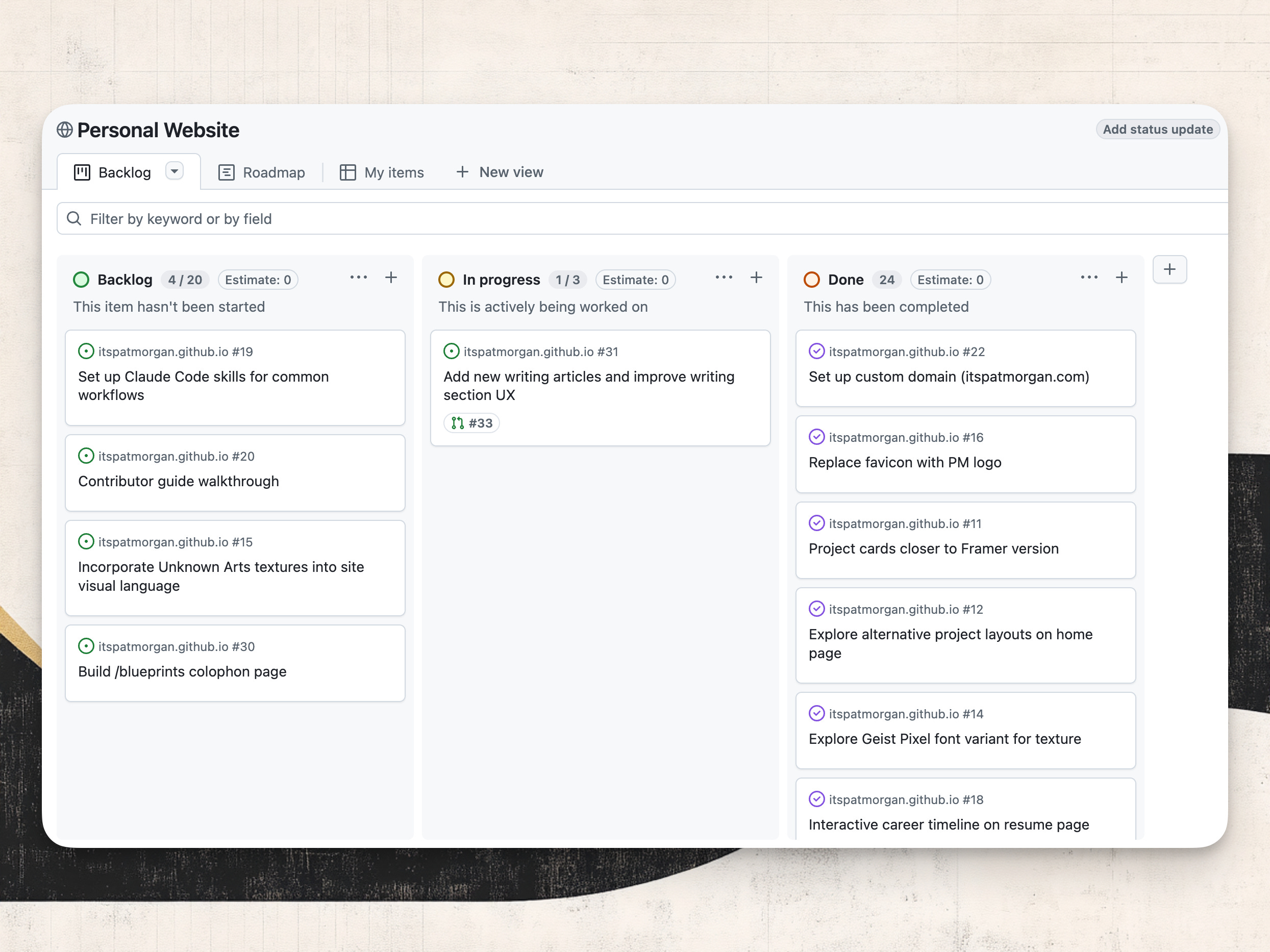
The ongoing workflow — agent management via Github issues
With the foundation live, I could shift to incremental improvement. This is where the GitHub-native setup really starts to pay off.
Because the site is just code in a GitHub repo, I get the full suite of dev workflow tools for free: feature branches, pull requests, Issues, and a project board.
Every enhancement I want to make now gets documented as an issue first and follows the same loop: document it as a GitHub Issue, work with Claude to write an implementation plan that would resolve the issue, build it on a feature branch, and review and merge it via a Claude-opened PR. The entire history of my work on the site lives in git and these documents. With Framer, that history lived nowhere.
Right now I’m keeping myself squarely in this agentic development loop because I want to be — designing and building the site is fun! But there’s no reason I couldn’t step back and let Claude run the full loop more autonomously. That’s increasingly viable because of the time I put into defining clear architectural standards upfront. Claude now has enough context to execute enhancements to my standards without me holding its hand through every step.
Since launch I’ve used this loop to ship YouTube and Figma embeds, the Geist Pixel animation, mobile responsive cleanup, and a cross-publishing workflow from Obsidian. Each a focused session: an issue, a plan, a build, a merge. The foundation made all of it possible.
Close
The site might be simple, but what I actually built in that weekend was something I’d wanted for years: infrastructure I own, that I can push in any direction, that compounds in capability the more sessions I put into it.
I wrote last week that AI raises the ceiling for designers who are willing to evolve. This is an example of what that looks like in practice. A site rebuild that would have taken months of effort took a weekend. And now I’m set up to explore and push the boundaries of my personal sandbox at my leisure.
If you’re a designer who builds and you’ve been on a platform you know has ceilings, I’d seriously consider making the move. It takes some work to migrate, but it’s 100% worth the effort.
Until next time,
Patrick

Find this useful? Share it with someone who might also get value.
Not subscribed yet? Get my writing directly — 7k+ already do.


Love this! Been considering doing the same with mine as well. I did give it a go but got too ambitious too fast with a complete redesign. I like your idea of replicating the original. Might consider that as I get closer to my Framer subscription expiring
Great information. I built my website with Github Copilot and far less dev knowledge than you. It's amazing the extra reach AI gives to tech people for projects that a few years ago were not worth focusing on. Thanks for sharing!